How to Create and Organise Pages in Confluence (Parent and Child Pages)
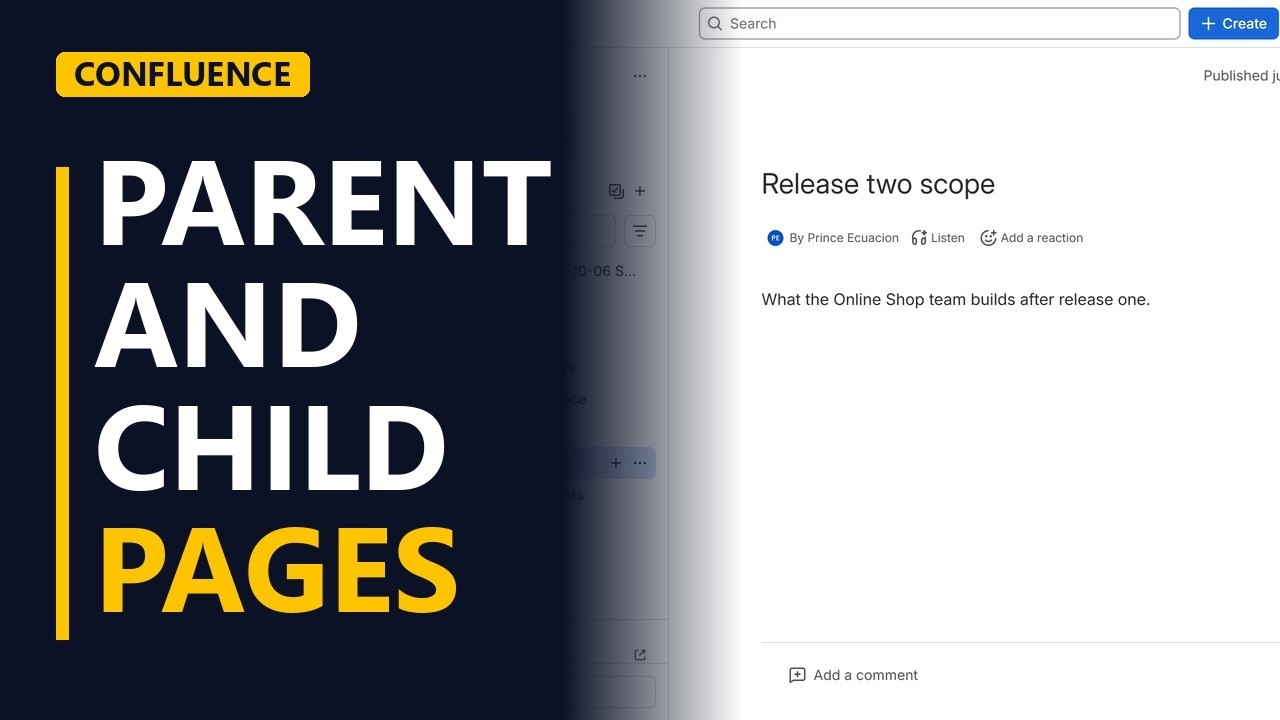
Create a new page in Confluence and put it under a parent page, so your project space stays tidy. Check the location before you publish and see the page tree update.
Step by step
Parent pages
- Organise pages. A Confluence space gets messy fast. The fix is simple. Put pages under other pages, like folders on your computer. Let me add a page under our project overview.
- Pick the parent. This is the project overview page. The new page will go under it, as a child page.
Create the page
- Create. With the parent page open, click create at the top. Pick page. Confluence makes the new page under the one you have open.
- A clear title. Give it a title people can search for. Release two scope. Press enter to go into the page. Then write what the page is for, in one line.
Publish
- Check the location. Click publish. Check the location. The project space, then the home page, then project overview. If it is wrong, you change it here.
- Publish. Click publish.
The page tree
- A child page. In the page tree, the new page sits under project overview, one step in. That is a child page. And project overview is now its parent. Group pages like this, by release or by topic, and people find things without asking you.
Recap
- Parent, create, publish. So, open the parent page, click create, and pick page. Give it a clear title, check the location, and publish. Subscribe for more Confluence tips for business analysts.


