Meeting Notes in Confluence (With Action Items and Decisions)
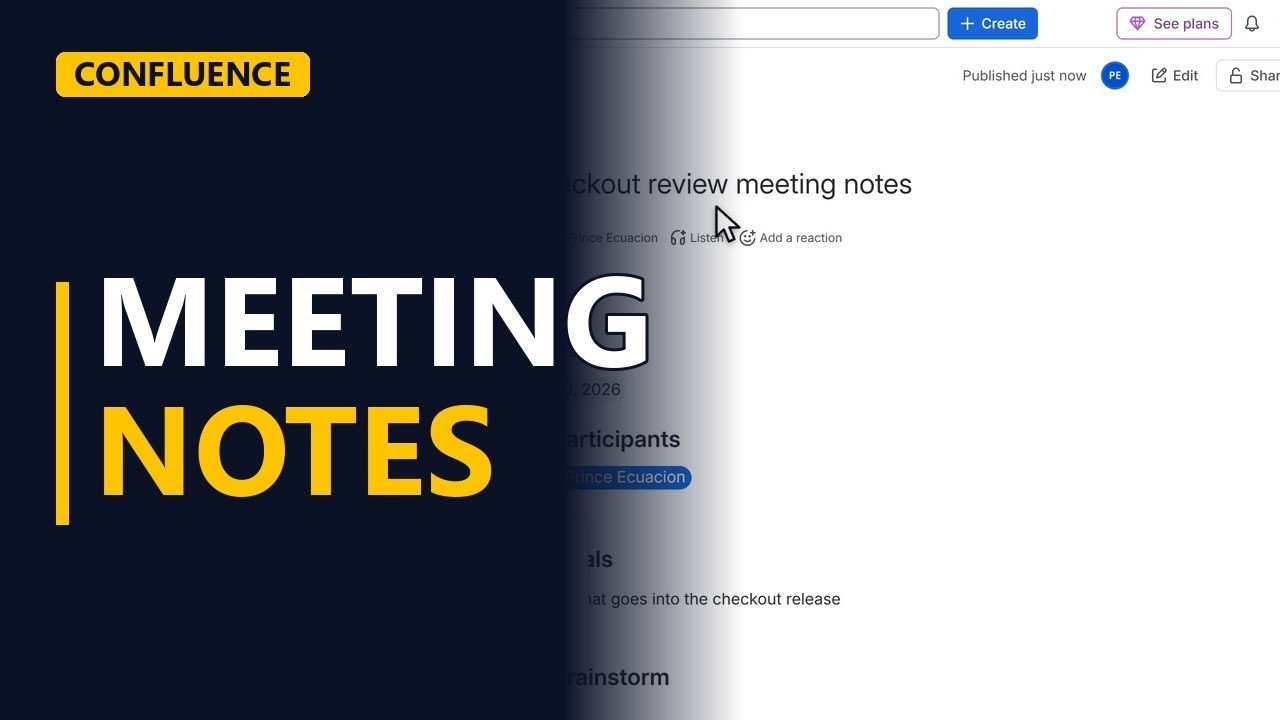
Take meeting notes in Confluence with the Meeting notes template: goals, discussion topics, action items with an owner, and the decisions you made. Step by step for business analysts.
Step by step
The template
- Meeting notes. Good meeting notes answer three questions. What did we talk about, who does what next, and what did we decide. Confluence has a template for exactly that.
- Meeting notes template. In the template gallery, pick meeting notes.
- Use template. Click use template. Close the template panel, to get more room. Today's date is already filled in.
Before the meeting
- Name the meeting. Give the notes a title people can search for. Checkout review meeting notes.
- The goal. Write the goal of the meeting before it starts. One line.
During the meeting
- Discussion. During the meeting, add each topic to the discussion table. And a short note on what was said.
- Action items. Action items are tasks with a tick box. Always write who does it. Here, Prince writes the acceptance criteria.
- Decisions. And record every decision, so nobody has to remember it later.
Share it
- Publish. Click publish, and publish again to confirm.
- Shared with the team. The notes are now in the project space, and the action items show up in each person's task list.
Recap
- Talked, do, decided. So, use the meeting notes template. Write the goal, note each topic, give every action item an owner, and record the decisions. Subscribe for more Confluence tips for business analysts.


