How to Write a Good Bug Report in Jira (Steps, Expected, Actual)
A bug report a developer can fix on the first read: a clear title, numbered steps to reproduce, expected and actual result, and the epic it belongs to. Written step by step in Jira.
Step by step
A good bug report
- Bug report in Jira. A vague bug report wastes a whole day. A good one gets fixed on the first read. Let me write one in Jira, the way testers and analysts do.
- Create. Start with the create button at the top.
- Pick Bug. Click the work type, and pick bug, the red one.
Write it
- What is wrong. The title says what is wrong, and where. Not just basket broken, but basket total wrong after removing an item.
- Steps to reproduce. Next, the steps to reproduce. Numbered, one action per line, so anyone can make the bug happen again.
- Expected. Then what should happen. The expected result.
- Actual. And what really happens. The actual result. Expected versus actual is the heart of every bug report.
Link and create
- Parent epic. Link it to its epic, checkout, so the bug shows up with the rest of that work. Here it is.
- Create. Click create.
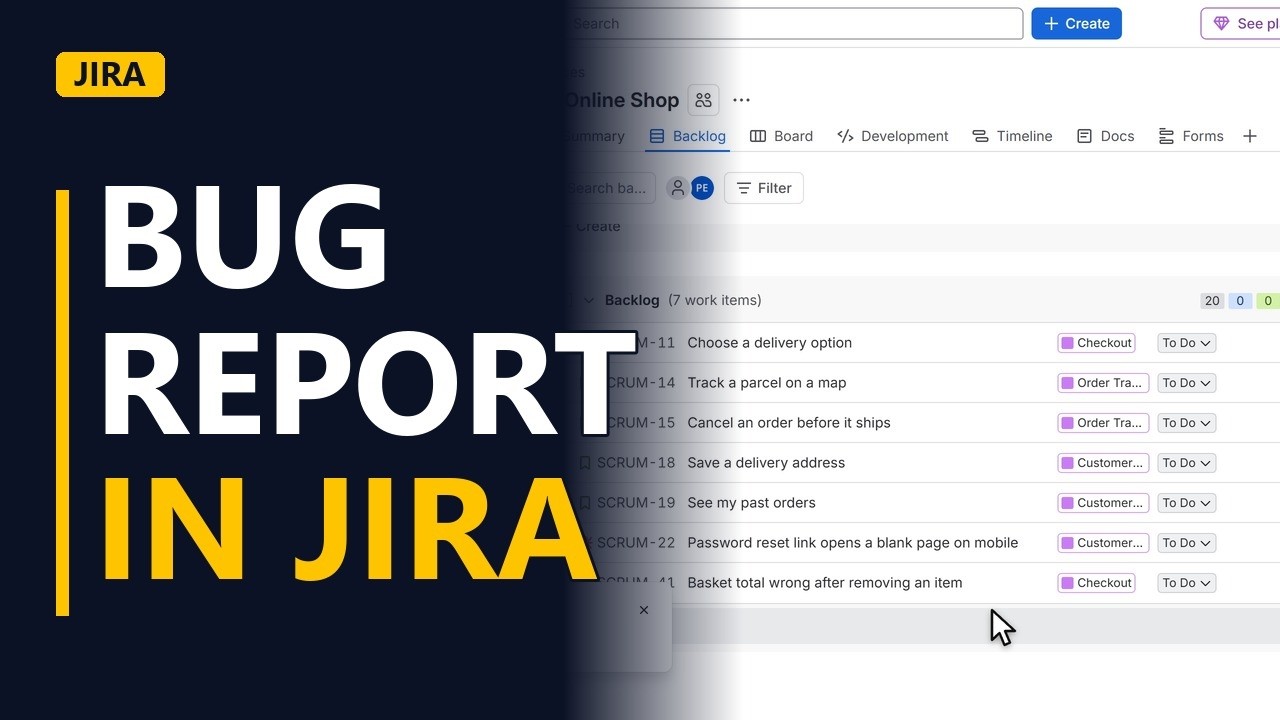
- In the backlog. The bug is now in the backlog, with the red bug icon, ready for the next sprint planning.
Recap
- Steps, expected, actual. So, a title that says what and where. Numbered steps to reproduce. Expected, then actual. And the epic it belongs to. Subscribe for more Jira tips for business analysts.


