JQL Basics: Search Jira Like a Pro (and Save a Filter)
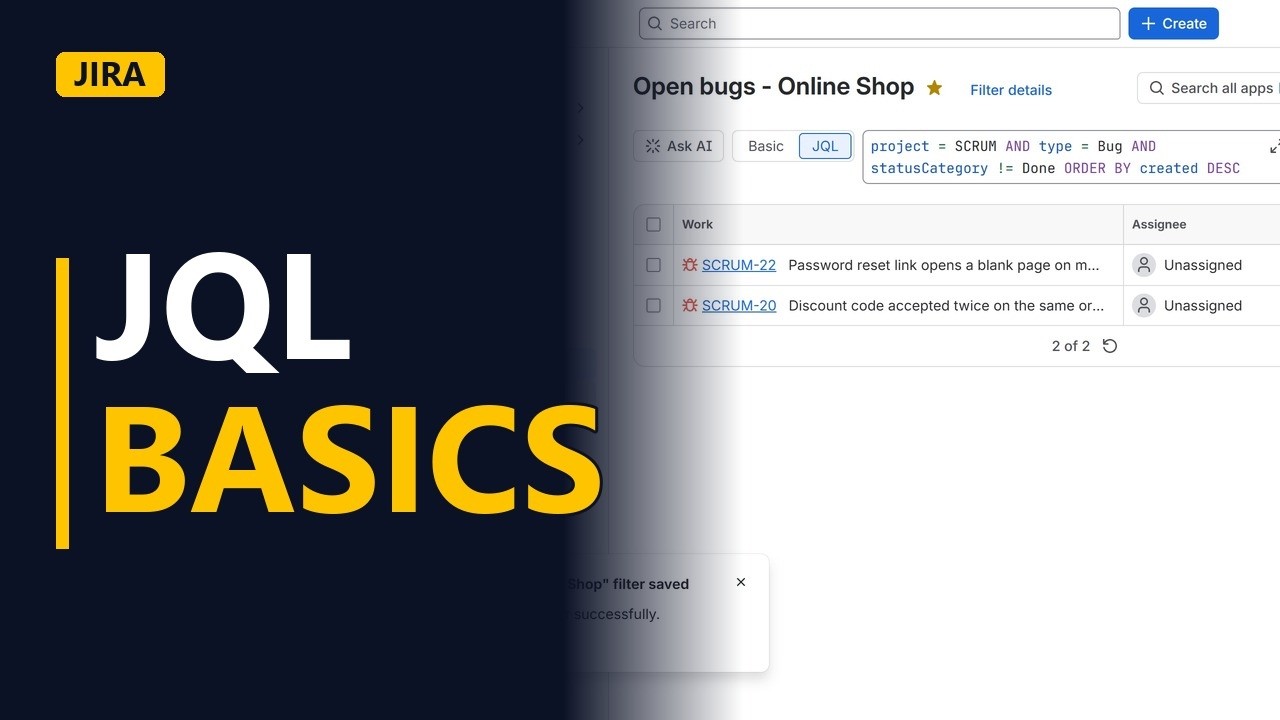
Learn JQL, the Jira query language, with one real example: every open bug in a project, newest first. Field, operator, value, AND, ORDER BY, then save it as a filter you can reuse.
Step by step
What is JQL
- JQL basics. JQL is how you ask Jira a precise question. Which bugs are still open? What did the team finish this week? Let me show you the basics with one real example.
- Switch to JQL. This is the search page. Switch from basic to JQL.
- Field, operator, value. Every JQL line reads like a sentence. A field, an operator, and a value. Project equals scrum.
Build a query
- Only bugs. Let's find the open bugs. Click in the box, and select all the text. Type project equals scrum, and type equals bug. And joins two conditions. Both must be true.
- Search. Then click search. Three bugs.
- Not done. Now only the ones that are not finished. Status category not equals done.
- Newest first. And order by created, descending, so the newest bug is on top.
- Search. Search again. Two open bugs, newest first.
Save it
- Save filter. You will want this every day, so save it as a filter. Give it a name that says what it shows. Click save.
- Your filter. Now the filter has its own page. Open it any time, or share it with the team.
Recap
- Field, operator, value. So, field, operator, value. And joins conditions. Order by sorts. Save it as a filter. Subscribe for more Jira tips for business analysts.


