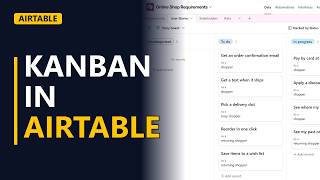
Airtable for Beginners: A Business Analyst's Requirements Tracker Tour
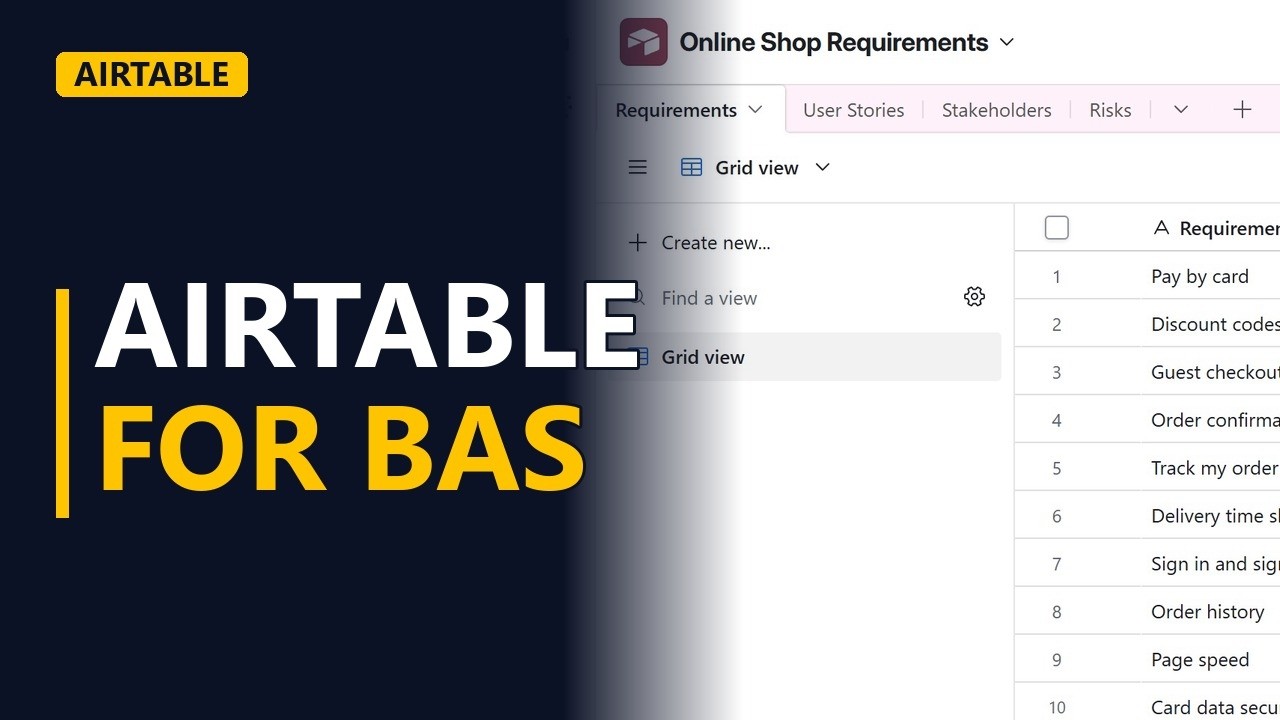
A beginner tour of Airtable for business analysts: a base with requirements, user stories, a stakeholder register and a RAID log, linked records and free views. Shown on a real Airtable base on the free plan.
Step by step
The tour
- Airtable for B As. Airtable looks like a spreadsheet, but it works like a database. Here is how a business analyst can run a project in it: requirements, user stories, stakeholders and risks, all on the free plan.
- A base. This is a base called online shop requirements. A base holds tables, the way a workbook holds sheets.
Tables and fields
- Tables. Each tab is a table. In the requirements table, every row is one requirement.
- Field types. Each column is a field with a type. Priority is a single select, so everyone uses the same MoSCoW words.
- Tables. The user stories table holds as a, I want, so that, and the acceptance criteria. Stakeholders is our stakeholder register, with the influence and interest of each person. And risks is a RAID log: risks, assumptions, issues and dependencies.
- Field types. The RAID type field keeps the four kinds apart, so you can filter them later.
Linked records
- Linked records. The real power is linking. Back in requirements, let me expand one record. Click the expand arrow at the start of the row for track my order. Its user stories and its owner are records from the other tables. Change a story once, and it changes everywhere. Press escape to close the record.
Views
- Views. On the left are views of the same data. Grid, kanban, calendar, gallery, list and form views are all on the free plan.
Recap
- Your project in one base. So, a base holds tables, tables hold records, and fields give every record the same shape. Link the tables, and you can trace every requirement to its stories and owner. Subscribe for more Airtable tips for business analysts.